
WELCOME TO OUR STORE — GET 50% DISCOUNT ON ALL SCRIPTS! — NEW UPDATES ARE RELEASED! — JOIN OUR DISCORD FOR SUPPORT! WELCOME TO OUR STORE — GET 50% DISCOUNT ON ALL SCRIPTS! — NEW UPDATES ARE RELEASED! — JOIN OUR DISCORD FOR SUPPORT! WELCOME TO OUR STORE — GET 50% DISCOUNT ON ALL SCRIPTS! — NEW UPDATES ARE RELEASED! — JOIN OUR DISCORD FOR SUPPORT! WELCOME TO OUR STORE — GET 50% DISCOUNT ON ALL SCRIPTS! — NEW UPDATES ARE RELEASED! — JOIN OUR DISCORD FOR SUPPORT! WELCOME TO OUR STORE — GET 50% DISCOUNT ON ALL SCRIPTS! — NEW UPDATES ARE RELEASED! — JOIN OUR DISCORD FOR SUPPORT! WELCOME TO OUR STORE — GET 50% DISCOUNT ON ALL SCRIPTS! — NEW UPDATES ARE RELEASED! — JOIN OUR DISCORD FOR SUPPORT!
Back

0Lag GameStation | [ESX,QB,QBOX]

25.00 EUR 50.00 50% off
License

Protected with FiveM Asset Escrow. Customize through the included configuration files.
Instant delivery
Secure checkout with Tebex
0Lag GameStation | [ESX,QB,QBOX]
DETAILS

🎮 0LAG GAMESTATION

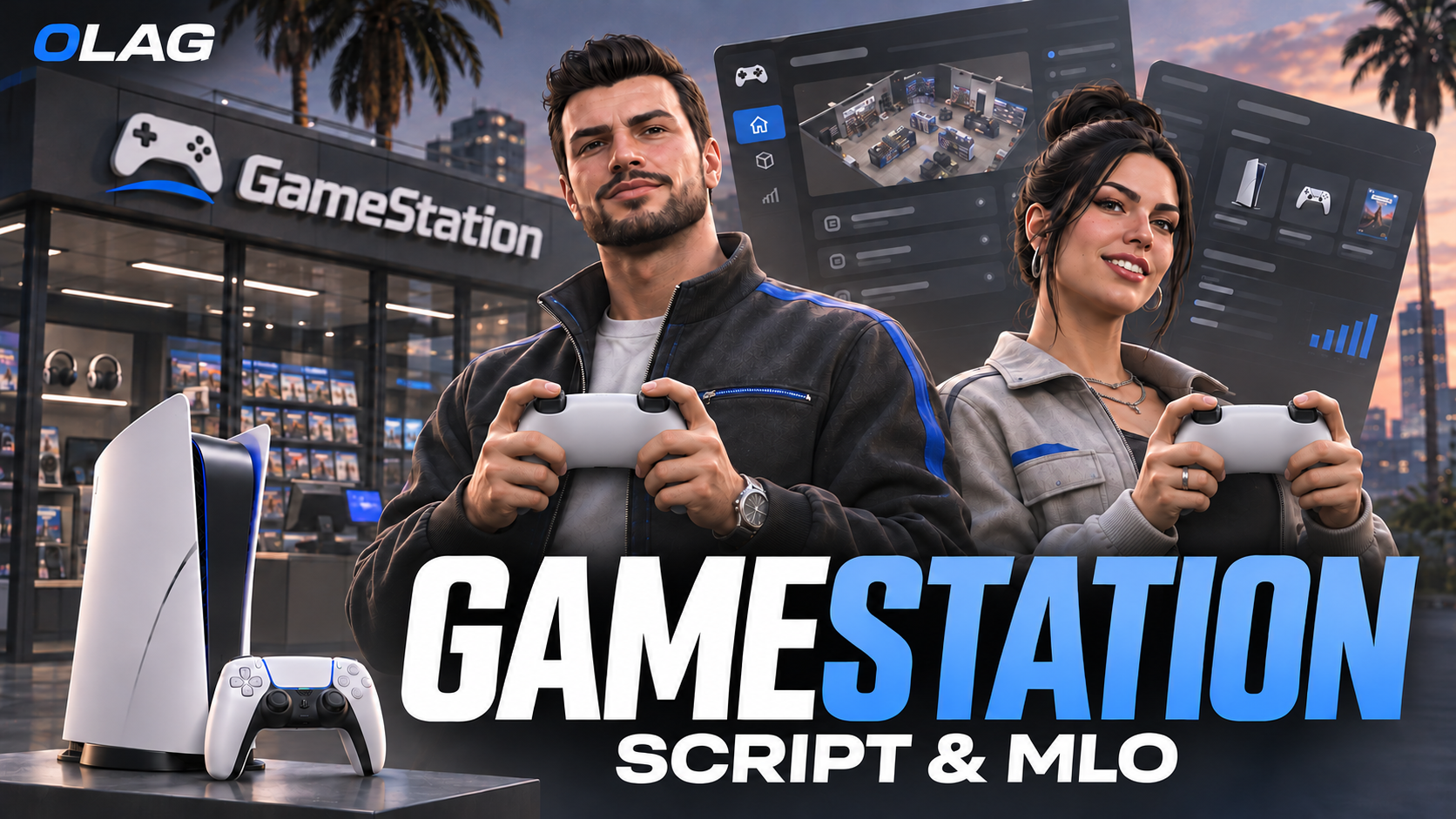
Bring a new entertainment experience to your FiveM server with 0LAG GameStation — a console system featuring interactive placement, an on-screen interface, a game store, and a custom MLO.

Let players place their console, adjust its position and rotation, turn on the screen, and enter their username to get started. From browsing the game store to exploring console settings, GameStation adds new interactions to your server’s everyday roleplay.

  • Interactive Console Placement: Position and rotate your console before confirming its placement.
  • On-Screen Placement Controls: Follow clear controls to move, rotate, confirm, or cancel placement.
  • Console Interaction Menu: Access console functions through a dedicated interaction menu.
  • Screen Controls: Turn on the screen directly from the console menu.
  • Controller Interaction: Grab the controller through the interaction menu.
  • Username Setup: Enter your username to begin your GameStation experience.
  • Game Store: Browse the store and purchase games for your console.
  • Console Settings: Access a dedicated settings interface to customize your experience.
  • TV Screen Linking: Access the option to link a TV screen from the console menu.
  • Watch Sync Toggle: Toggle watch synchronization through the interaction menu.
  • Console Pickup: Pick up your console through the interaction menu.
  • Custom MLO: Includes a dedicated GameStation environment to complement the console system.

0LAG GAMESTATION brings console interactions, game shopping, and a custom environment together — creating more opportunities for immersive entertainment roleplay.

[PREVIEW VIDEO] | [DISCORD SUPPORT]